
Conveyor modules
Straights, curves, ramps and transfers create the required route.
Digital sales for material handling
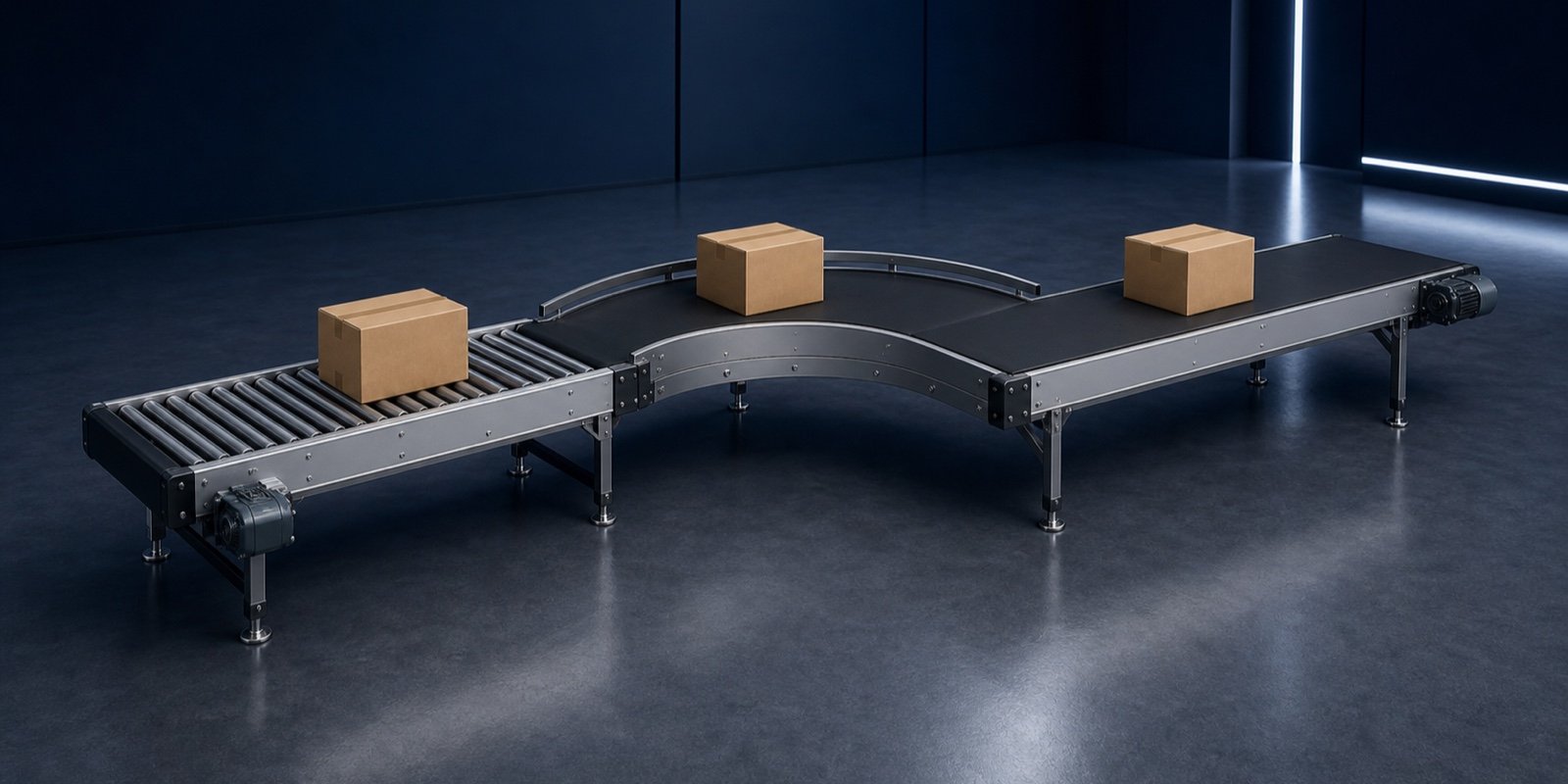
Length, width, conveyed product, drive, curves and accessories are selected directly on the 3D system. Engineering and sales receive an unambiguous variant instead of a sketch full of open questions.
From handling task to a concrete system
A conveyor is rarely sold as one isolated item. The configurator connects product, performance, geometry and accessories into a system your sales team can qualify directly.
Product, length, width, speed, incline and transfers are defined on the 3D model.
Drive power, roller pitch, supports and interfaces stay within the rules of your modular range.
The enquiry contains a system view, parameters, modules and a clear basis for quotation and layout planning.
The customer understands the flow; your team starts with defined dimensions, modules and performance data.
Recent confBuild projects
Existing confBuild models range from straight belt conveyors through curves and ramps to sorters and complete packaging lines.
This could be your product ↗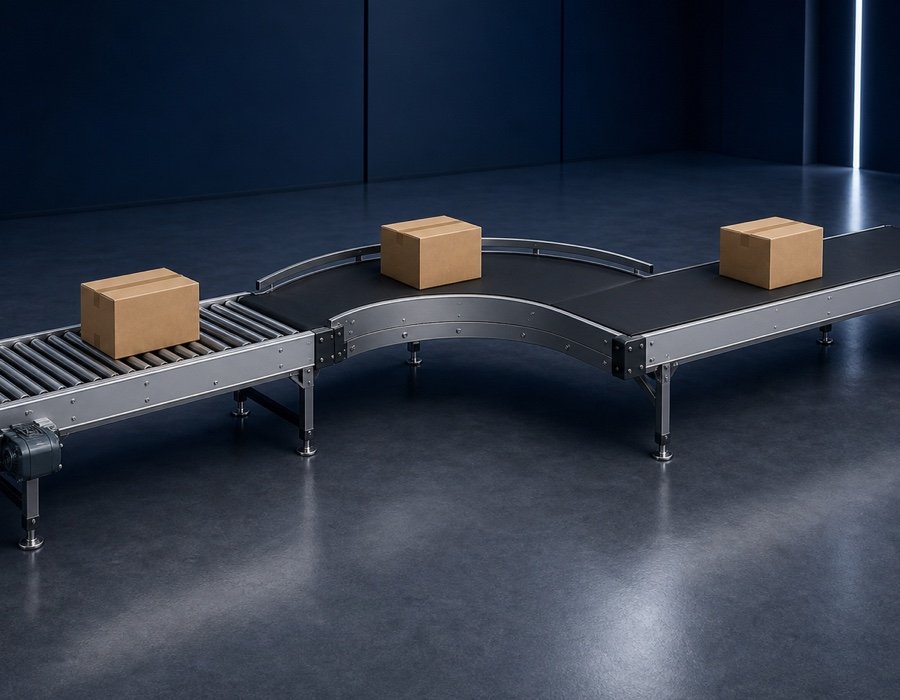
Modular logic for material flow
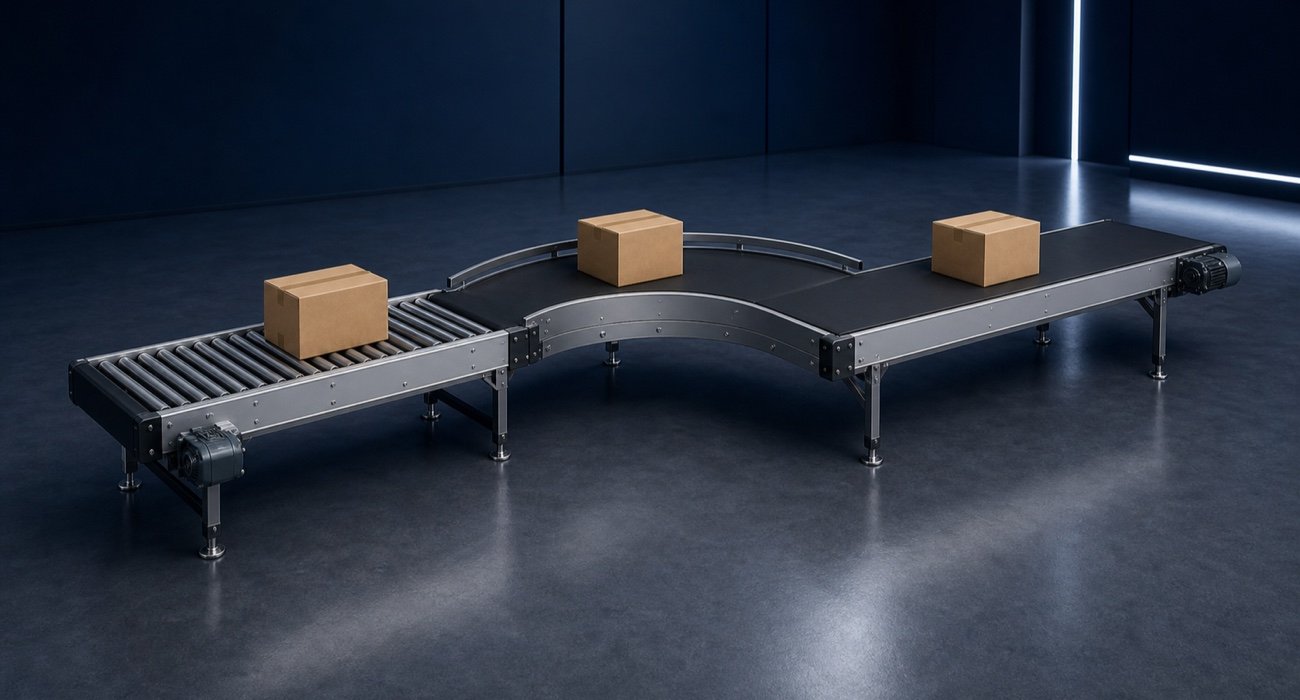
Conveyor sections, drives, supports, side guides, sensors and transfers respond together to the selected handling task.
Map my product system ↗Straights, curves, ramps and transfers create the required route.
Speed, load and installation determine motor, gearbox and drive position.
Supports, side guides, sensor brackets and transfers follow the geometry automatically.
Parameters and modules are ready for enquiry, BOM, STEP and downstream planning.
Straights, curves, ramps and transfers create the required route.
Speed, load and installation determine motor, gearbox and drive position.
Supports, side guides, sensor brackets and transfers follow the geometry automatically.
Parameters and modules are ready for enquiry, BOM, STEP and downstream planning.
From material flow to quotation basis
A few technical requirements become a traceable variant with modules, interfaces and performance data.
Powered by the confBuild CAD kernel
The confBuild CAD kernel regenerates the conveyor from product parameters and module rules. Change length or width and frame, belt, rollers, supports and drive respond as one coherent system.
Experience the CAD kernel →The same parameters reliably produce the same geometry—reproducible instead of merely similar.
Parts and accessories remain connected through clear dependencies and product rules.
Structured parameters and component data can feed enquiries, BOMs and subsequent workflows.
Interactive in the web browser—without local CAD installation and directly in your sales experience.
More than a beautiful 3D view
The configurator brings sales logic and engineering into one browser workflow—from first idea to a CAD-ready enquiry.
Check the potential for my range →Customers see the route, modules and installation situation immediately in 3D.
Rules catch incompatible dimensions and options before the enquiry.
Sales starts with defined performance data instead of clarification loops.
STEP, layout data and bills of materials can emerge from the same configuration.
Focused remote pilot
We select a frequently requested belt or roller conveyor and capture its variants and rules.
We build the 3D model, selection logic and handovers as a focused prototype.
The pilot runs in your brand and is refined with sales and engineering.
Ready for digital material flow?
In 20 minutes we identify the product family that delivers the fastest configurator value.
Contact
Briefly describe your product or assembly – you will get a reply within one business day.
Prefer plain email? daniel@confbuild.com
Prefer to talk? Book a 30-minute call →
A service by confbuild.com – parametric 3D configurators for your product.
Book a call
Choose a free 30-minute slot. You get a calendar invitation right away – no sign-up, no back and forth.
Prefer to write? Go to the contact form
Loading available times …
Please pick a day first.
The calendar invitation is on its way to your inbox. It also contains a link to cancel the appointment.